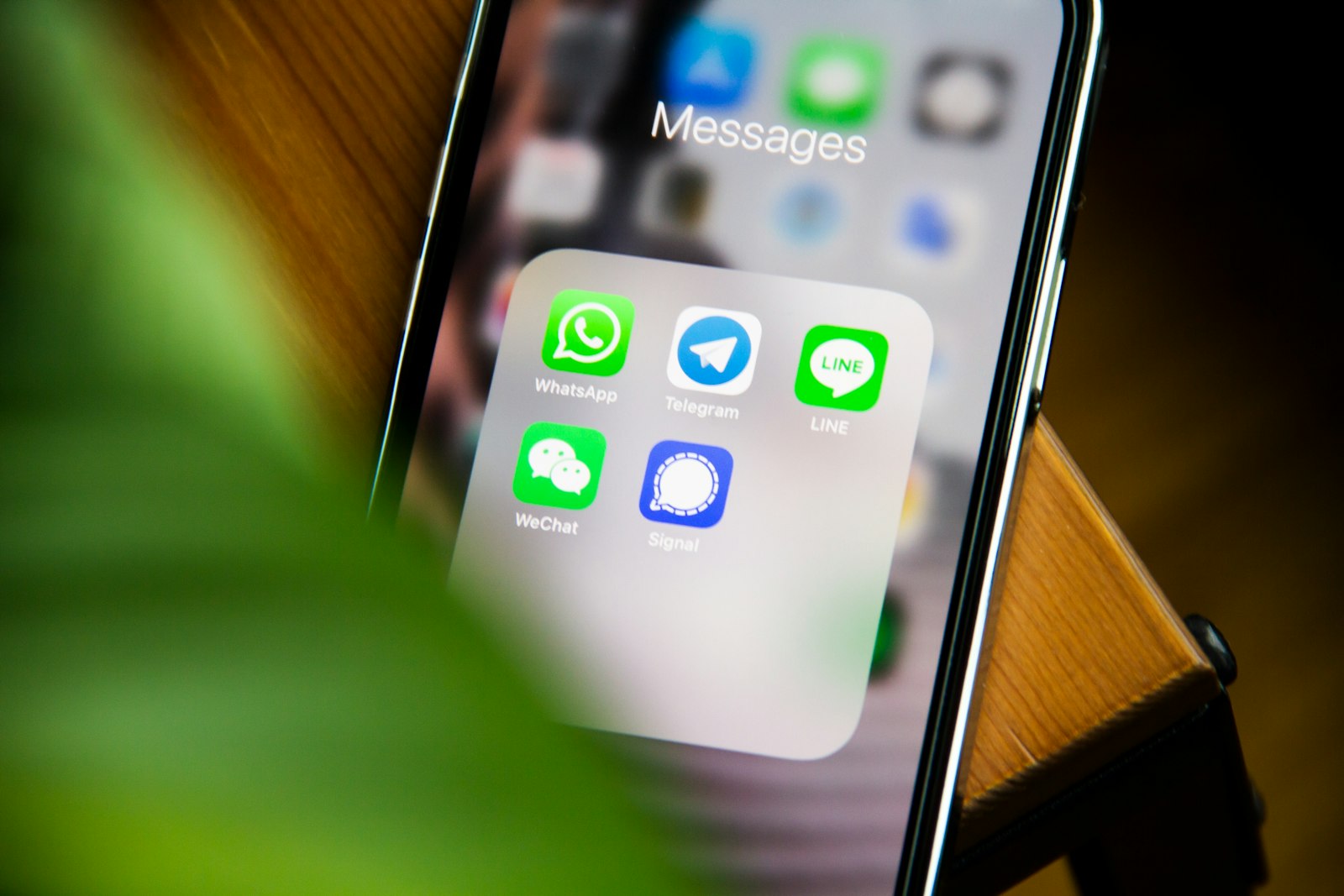
Meta's WhatsApp Business MCP server does four things: it lets AI coding agents such as Claude, Cursor, Codex, and ChatGPT set up a WhatsApp Business account, create and manage messaging templates, run tests, and troubleshoot errors. TechCrunch reported the announcement on September 15, 2026. It does not send a single message to a lead, a customer, or anyone else. If you landed here hoping the WhatsApp Business MCP server is a new way to automate lead follow-up, it isn't, at least not on its own. It is a faster on-ramp to the WhatsApp Business API, and the follow-up logic is still a separate build.
What Meta's WhatsApp Business MCP server actually automates
The WhatsApp Business MCP server is a Model Context Protocol server, the same protocol Anthropic introduced so an agent calls a defined set of tools instead of guessing at an API's shape. Point Claude, Cursor, Codex, or ChatGPT at it and the agent gets four capabilities, matching what the announcement described:
- Setup: creating a WhatsApp Business account, registering and verifying a phone number, and wiring the webhook that receives inbound events.
- Messaging templates: drafting, submitting, and tracking the approval status of the templates Meta requires for any business-initiated message.
- Testing: sending test messages through the sandbox before a template or integration goes live.
- Troubleshooting: pulling error states, webhook logs, and verification status to diagnose a failure.
That's the full list.
What the WhatsApp Business MCP server does not touch: sending messages to leads
The headline writes itself as "AI agents can now run WhatsApp," which blurs a real line. The WhatsApp Business MCP server is a configuration and QA layer for developers. It has no concept of a lead, a CRM stage, a deal value, or a follow-up cadence. None of the four capabilities above picks a contact, decides a message is due, or clicks send on a sequence.
A developer can ask Claude, through this server, to create a template called "quote follow up" and submit it for approval. Claude cannot then decide that an account has gone quiet for nine days and should receive it. That decision, and the trigger that acts on it, lives outside the MCP server entirely. If the plan to automate lead follow-up started with "didn't Meta just ship that," the plan needs a second half.
Why this dev-tool announcement matters to a sales or marketing lead
The WhatsApp Business API has historically taken a developer one to three weeks to stand up correctly: business verification, number registration, template approval, webhook wiring, and the inevitable rejected template on the first pass. The WhatsApp Business MCP server lets an agent drive setup, draft templates in the right category, and read error logs, which cuts that timeline because most of the delay was back-and-forth with documentation and an approval queue, not hard engineering.
That changes what the first phase of a WhatsApp project costs, not the second phase. Getting the channel live is now cheaper to commission. Turning that live channel into something that can automate lead follow-up is a separate scope, with its own cost, regardless of how the number got configured. Treat the two as one line item and you will underbudget the part that actually touches revenue.
Template setup and testing: what speeds up and what still needs a human
Meta requires every business-initiated WhatsApp message to use a pre-approved template, filed under one of three categories: utility, marketing, or authentication. Submit a template in the wrong category (promotional copy filed as utility, say) and Meta rejects it. Through the WhatsApp Business MCP server, an agent can read the rejection reason and the category rules, then resubmit against the live API with a corrected category or cleaner variable placeholders.
What the agent can't do is write copy that sounds like your business and converts. A template that reads "Your quote {{1}} is ready, reply YES to confirm" still needs a person to decide the wording, which CRM field actually populates the variable correctly, and whether "reply YES" is a response your workflow can parse downstream. The server speeds up the approval loop. It doesn't know your offer, your tone, or your customer.
Troubleshooting WhatsApp with Claude: the actual mechanics
In practice, a developer adds the WhatsApp Business MCP server to Claude's tool list, points it at the business account's credentials, and asks why a phone number verification is stuck. Claude calls the server's status tool, which returns the verification state, the last webhook delivery attempt, and the specific failure type Meta attached, whether that's a failed ownership check, a session-window violation, or a malformed template variable.
From there Claude cross-references that failure against documented causes, checks whether the webhook URL returns a success response inside the expected timeout, and points at the field to fix: a callback URL, an expired system user token, or a template still in pending review. The same flow works with Cursor or Codex in an IDE instead of a chat window. What changes between tools is the interface. What doesn't change is the rule we build into every handover: a person signs off before anything touches a live account, and that decision gets logged, not assumed.
The build that turns a configured number into lead follow-up
Once the number is verified and a template is approved, the WhatsApp Business MCP server has done its job. What ships follow-up is a workflow on top of that API connection, and in most of the stacks we build into, that workflow lives in n8n. A working n8n WhatsApp automation for lead follow-up has five pieces:
- A trigger on a CRM stage change, for example a deal sitting in "quote sent" for more than 48 hours with no logged activity.
- A template selection node that matches the trigger to the right approved template, since sending the wrong template to the wrong stage gets flagged the same as spam.
- The send step, calling the WhatsApp Business API with the contact's number and the template variables pulled from the CRM record.
- A reply listener on the webhook, catching whatever comes back: a yes, a question, a stop request.
- A CRM write-back that logs the reply against the deal and reopens the task for a human when the reply needs judgment.
None of those five pieces come from the WhatsApp Business MCP server. They come from a lead follow-up use case someone has to design, test against real CRM data, and maintain, which is the kind of scoped work we cover under AI automations.
Where this breaks in production: rate limits, opt-in, and template drift
The parts that actually fail once a workflow is live are rarely the parts anyone demoed. Four to check before trusting this with real leads:
- The 24 hour session window. Once a customer messages you, you have 24 hours to reply with free-form text. Outside that window every message must be an approved template, so a sequence that assumes free text on day three will fail.
- Opt-in consent. Meta requires documented opt-in before sending a template message, and that record needs to exist somewhere checkable, not just an assumption that the lead "gave us their number."
- Template drift. Edit an approved template's wording, even one word, and it goes back into review, which means the n8n WhatsApp automation calling it fails mid-sequence until the new version clears.
- Per-number messaging limits. Meta tiers numbers by sending volume and quality rating, and a sequence that scales faster than the number's tier gets throttled, not delivered.
Every reply logged back to the CRM only helps if that CRM is the single source of truth for the deal, not one of three places a rep checks.
When WhatsApp follow-up is not worth building yet
Skip this, for now, if any of three things are true. Lead volume is low enough that a person can message a handful of contacts by hand faster than a workflow can be maintained, say under twenty follow-ups a week. Your buyers don't live on WhatsApp: if most of the pipeline runs through email and a procurement portal, the channel solves a problem you don't have. Or nobody on the team will own template compliance, because a channel with stale templates and no opt-in records is a liability, not an asset.
If none of those apply, get the API connection live, decide the two or three trigger moments actually worth a message, and only then automate lead follow-up around them. Building the workflow before deciding the triggers is how a channel ends up live and unused.
Common questions
Does the WhatsApp Business MCP server send messages automatically?
No. It gives AI coding agents access to setup, template management, testing, and troubleshooting, not message sending.
Who is the WhatsApp Business MCP server actually for?
Developers using AI coding agents like Claude, Cursor, Codex, or ChatGPT to configure the WhatsApp Business API, not sales or marketing teams directly.
What do I still need to build to get WhatsApp lead follow-up out of this?
A workflow, typically in n8n, that triggers on a CRM event, selects an approved template, sends it, and writes the reply back to the CRM.
Can Claude be used with the new MCP server?
Yes, TechCrunch names Claude alongside Cursor, Codex, and ChatGPT as coding agents that can use it.
This is the split we work inside at Regna Operations: get the channel and the CRM telling the same story, then build only the follow-up moments worth a message, each scoped and priced before anything ships. If you want that scoring run against your own pipeline instead of a general estimate, the Revenue Roadmap is where it starts.